Documentation Index

Fetch the complete documentation index at: https://docs.ideaboxai.com/llms.txt

Use this file to discover all available pages before exploring further.

Settings are accessible from the profile menu in the bottom-left navigation. All settings are per-user unless noted as admin-controlled.

Profile

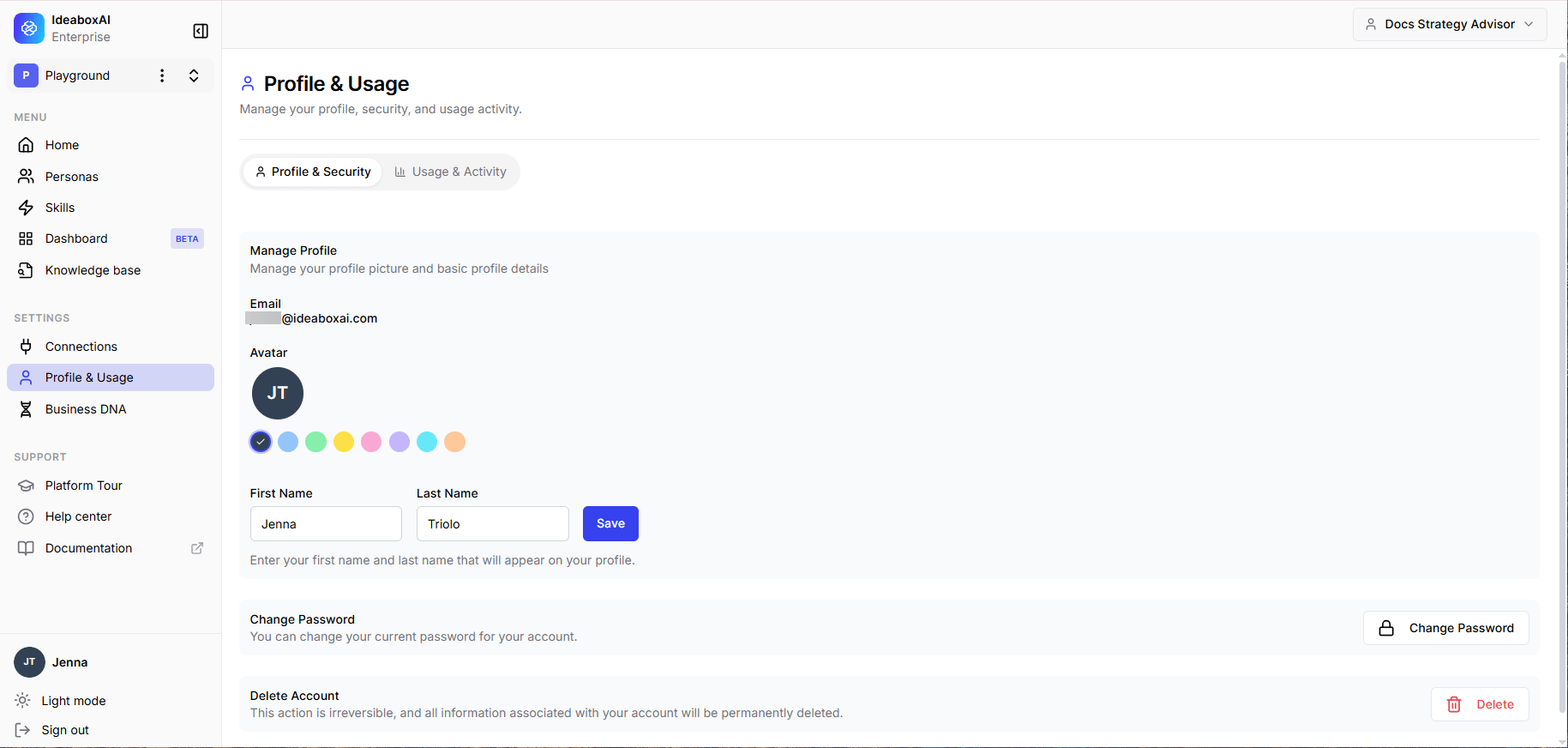
The Profile section manages your personal information and platform identity. The following settings are available.
SettingDescription
Avatar8 colour options. The selected colour is shown with a checkmark. The default is an initials-based avatar.
Display NameEditable. Used in greetings and references throughout the platform.
PersonasMulti-select pill UI. Active personas are highlighted in blue. Drives starter prompts and knowledge-base scope. Available personas are configured by your administrator.
LanguageDropdown. Default: English. Drives AI response language.
Last ActiveRead-only timestamp.
Profile settings panel showing avatar colour picker, display name field, persona pills, language dropdown, and last-active timestamp.

Connections

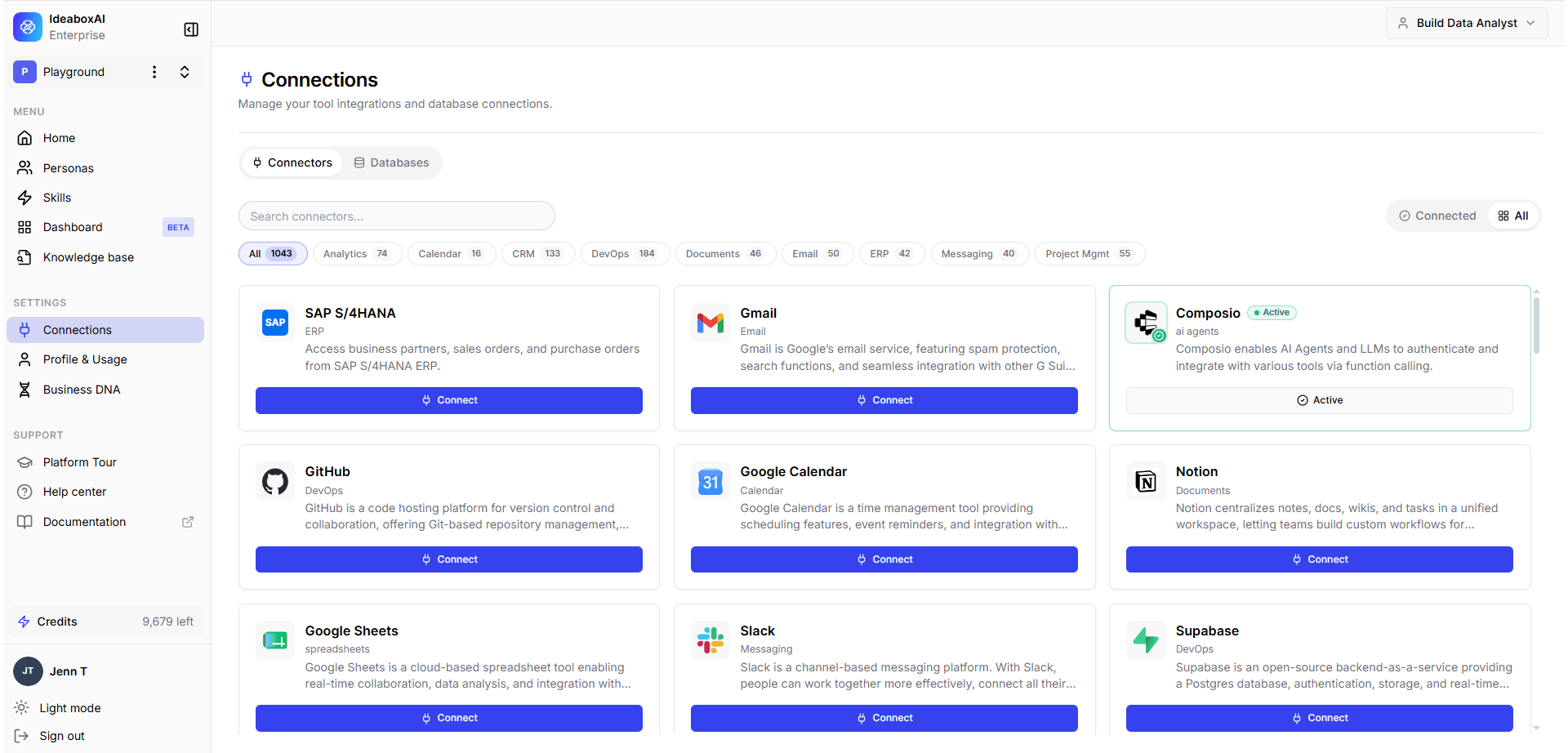
The Connections section manages all tool integrations, APIs, and database connections. A summary count of active connections is shown at the top. The following table describes the connection management interface.
SettingDescription
Filter TabsAll | MCP Integrations | APIs | Databases. Includes a search bar for name lookup.
ConnectedCard shows Reconfigure and Disconnect actions. Examples: Salesforce (API), Gong (API), Confluence (MCP), Data Warehouse (Database).
Available to connectFull-width Connect button. Examples: Google Drive (MCP), Gmail (API).
The following integration types are available.
TypeIntegrations
MCP IntegrationsConfluence, Google Drive, Slack, Notion, Jira, Linear.
APIsSalesforce, Gong, Gmail, HubSpot, Stripe, GitHub.
DatabasesData Warehouse, PostgreSQL, MySQL.
Connections settings showing filter tabs, connected integrations with Reconfigure and Disconnect buttons, and available integrations with Connect buttons.