

Accessing connectors
Navigate to Settings > Connections > Connectors to view all available integration options. The Connectors page displays all available services you can connect to your IdeaBoxAI workspace.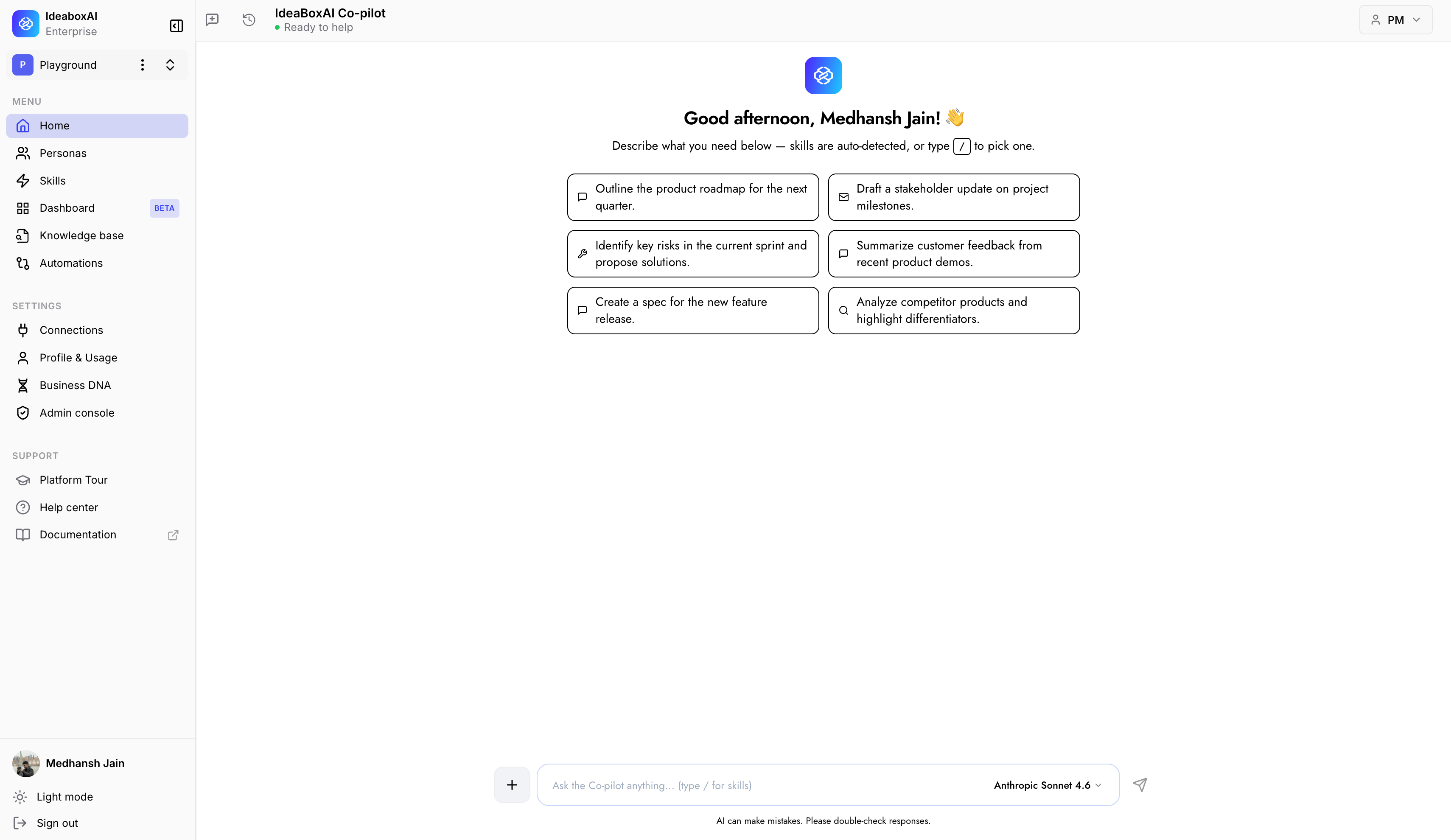
Finding the right connector
Use the search bar at the top of the Connectors page to quickly find the connector you need. Type the name of the service or tool you want to connect, and the list will filter to show matching options based on your use case.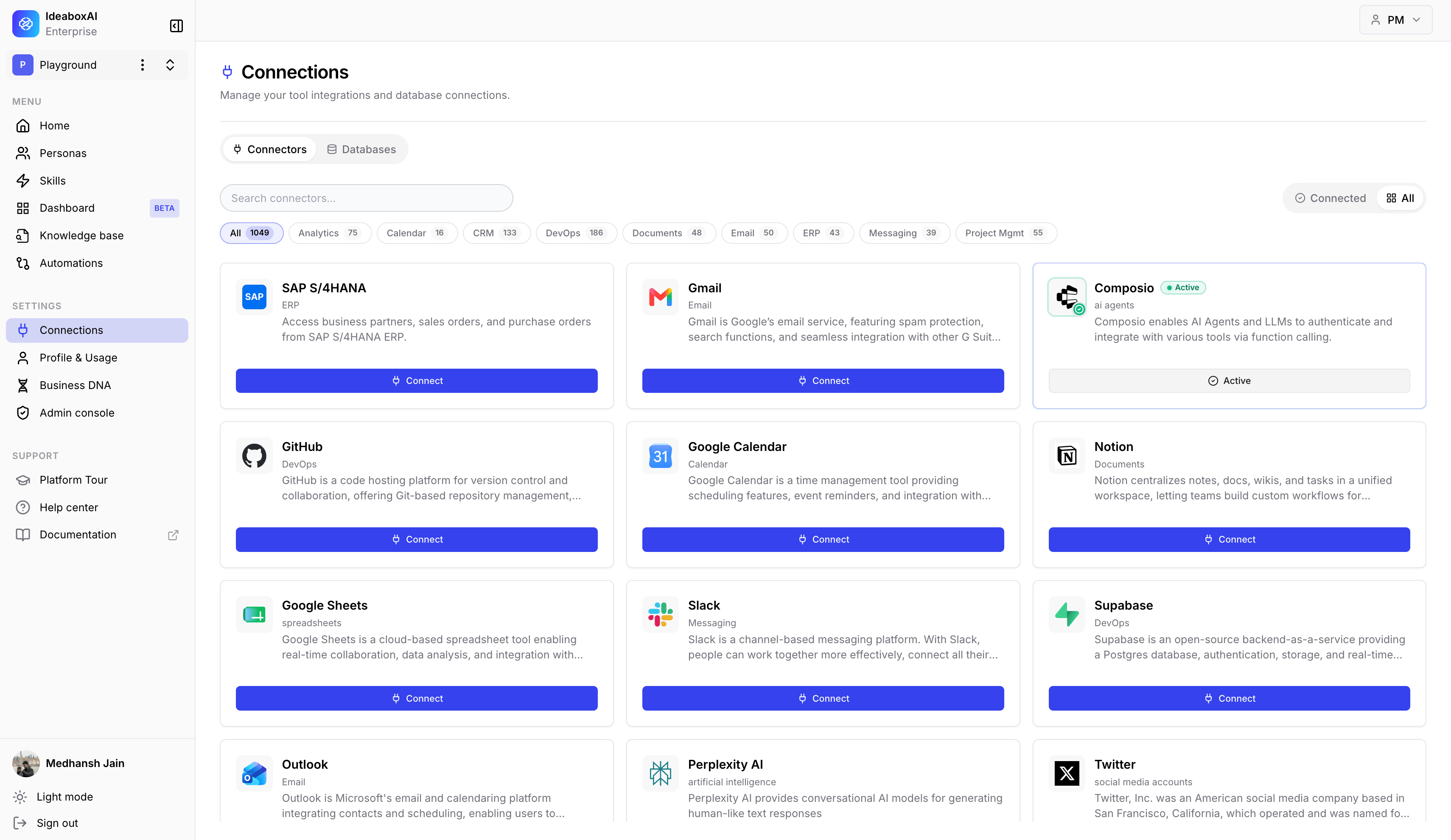
Sample connectors
Below are some sample connectors that are commonly used in IdeaBoxAI implementations. These connectors cover a wide range of use cases from data analytics to communication and productivity tools.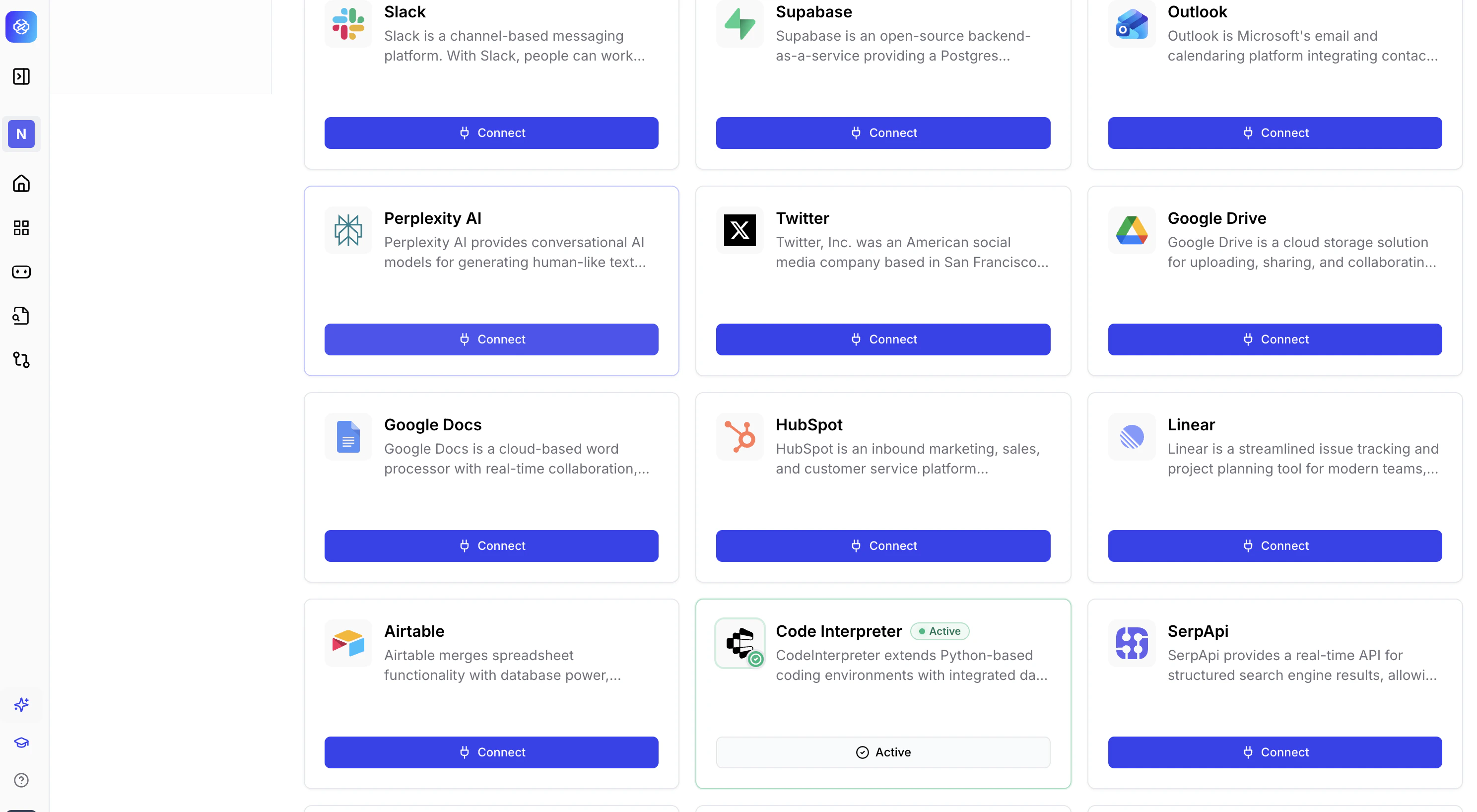
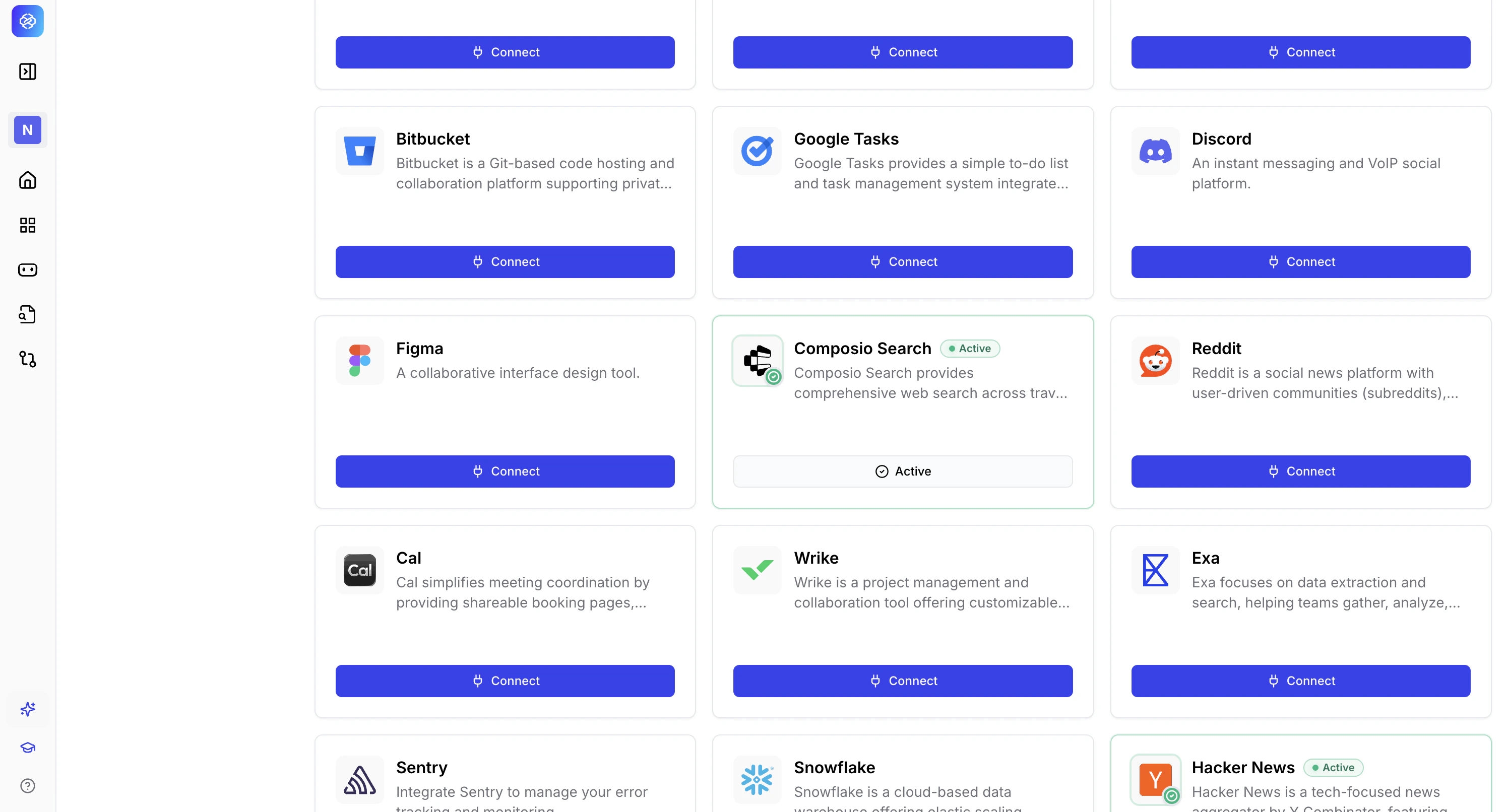
Available connector categories
The following sections list all available connectors organized by category and use case.Data and analytics connectors
Connect to SQL warehouses and data platforms to enable live data queries through knowledge bases.CRM and sales connectors
Integrate with customer relationship management platforms and sales intelligence tools.Communication and productivity connectors
Connect to email, messaging, and collaboration platforms.Data catalog and metadata connectors
Native connectors
Slack and Granola are available as native, first-party connectors — connecting directly to IdeaBoxAI without routing through a third-party broker. Each native connector includes the following.- Its own OAuth flow: Authenticate directly with the service, with no intermediary in the connection path.
- Encrypted token storage: Access tokens are encrypted at rest.
- Automatic token refresh: Tokens are refreshed automatically, so you don’t need to manually reauthenticate as they expire.
- Retry with backoff: If a sync fails, it’s retried automatically with backoff rather than failing silently.
- Visible connector health: Status and last successful sync time are shown directly in the Connectors UI, so you can see at a glance whether a connector is working.
If you connected Slack or Granola before this release, you were using a Composio-brokered connection. You’ll be prompted to reconnect to the native integration — this replaces the old connection and doesn’t require reconfiguring anything else.
Next steps
Knowledge base connections
Set up database and document connections for your knowledge bases.
Troubleshooting
Resolve common connection issues.